📄 Sign up & Login
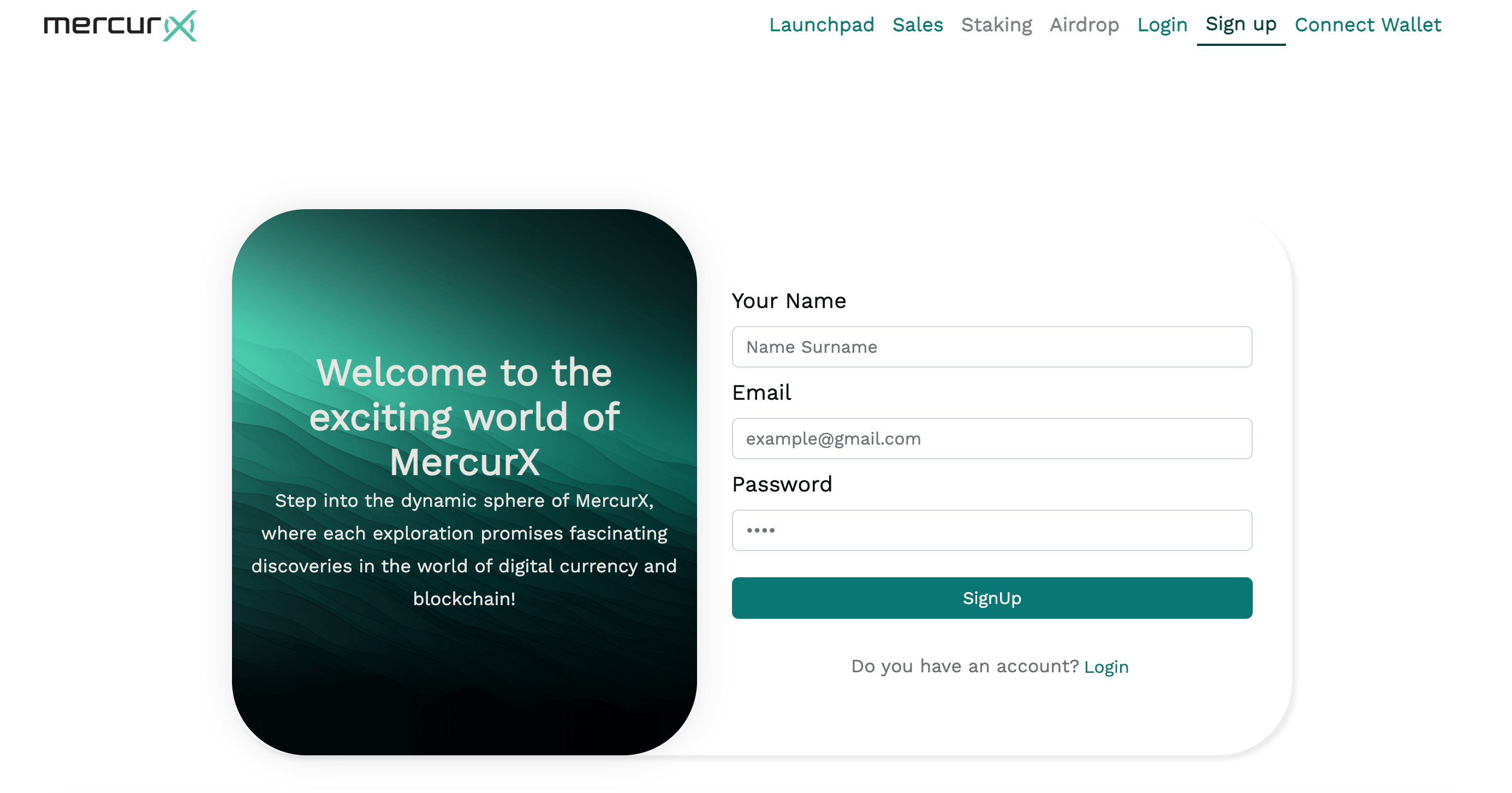
Signing up
Follow the steps below to sign up to Mercurx;
- Go to the Mercurx Website.
- Click on the “Sign up” button on the top right of the screen.
- Type your user name, email and password.
- Click on “SingUp” button.
Logging in
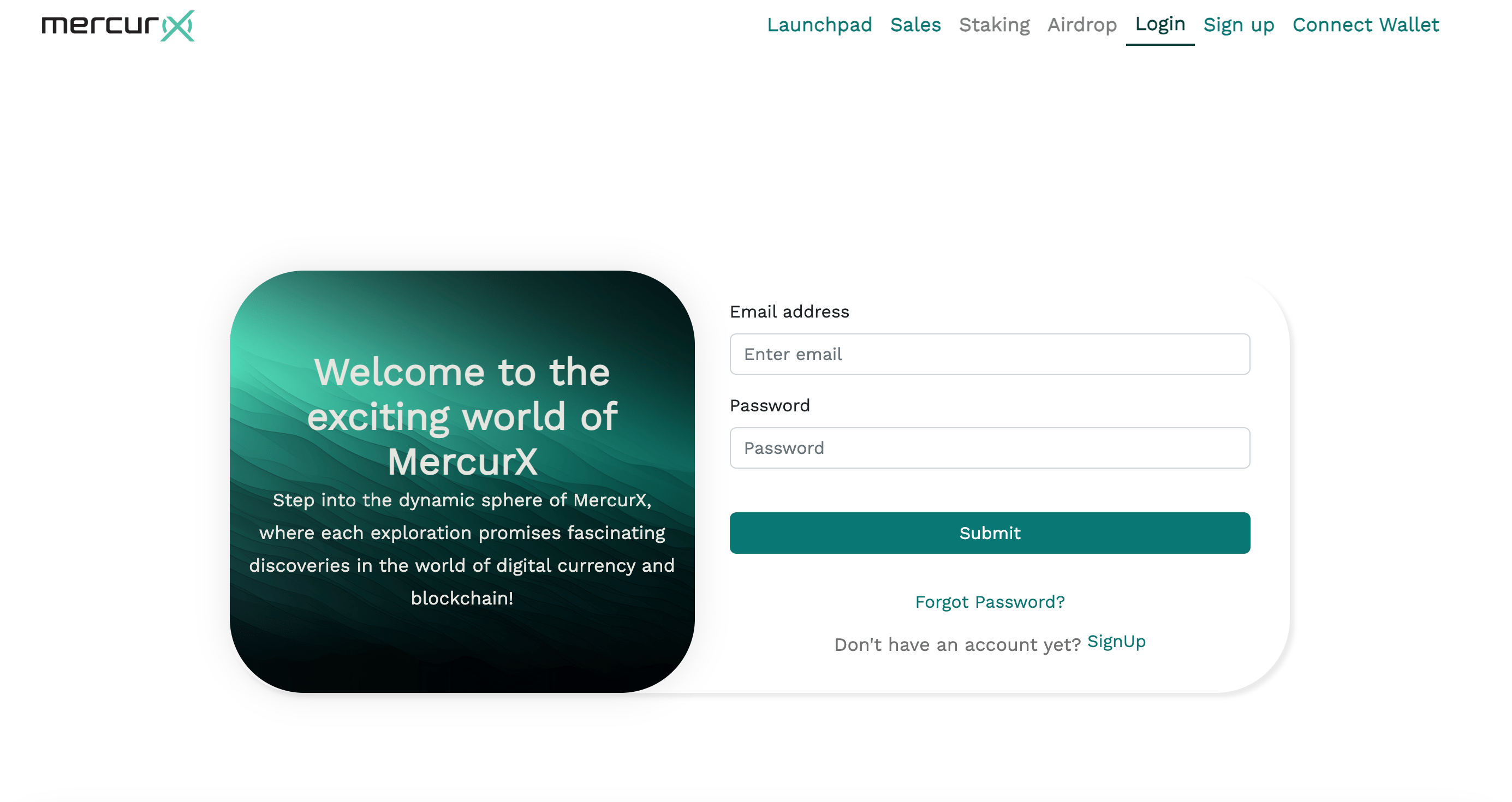
Follow the steps below to login to Mercurx;
- Go to the Mercurx Website.
- Write your email and password.
- Click on the "Submit" button.
Logging out
Click on the profile symbol at the top right of the screen and then click on 'Logout'."

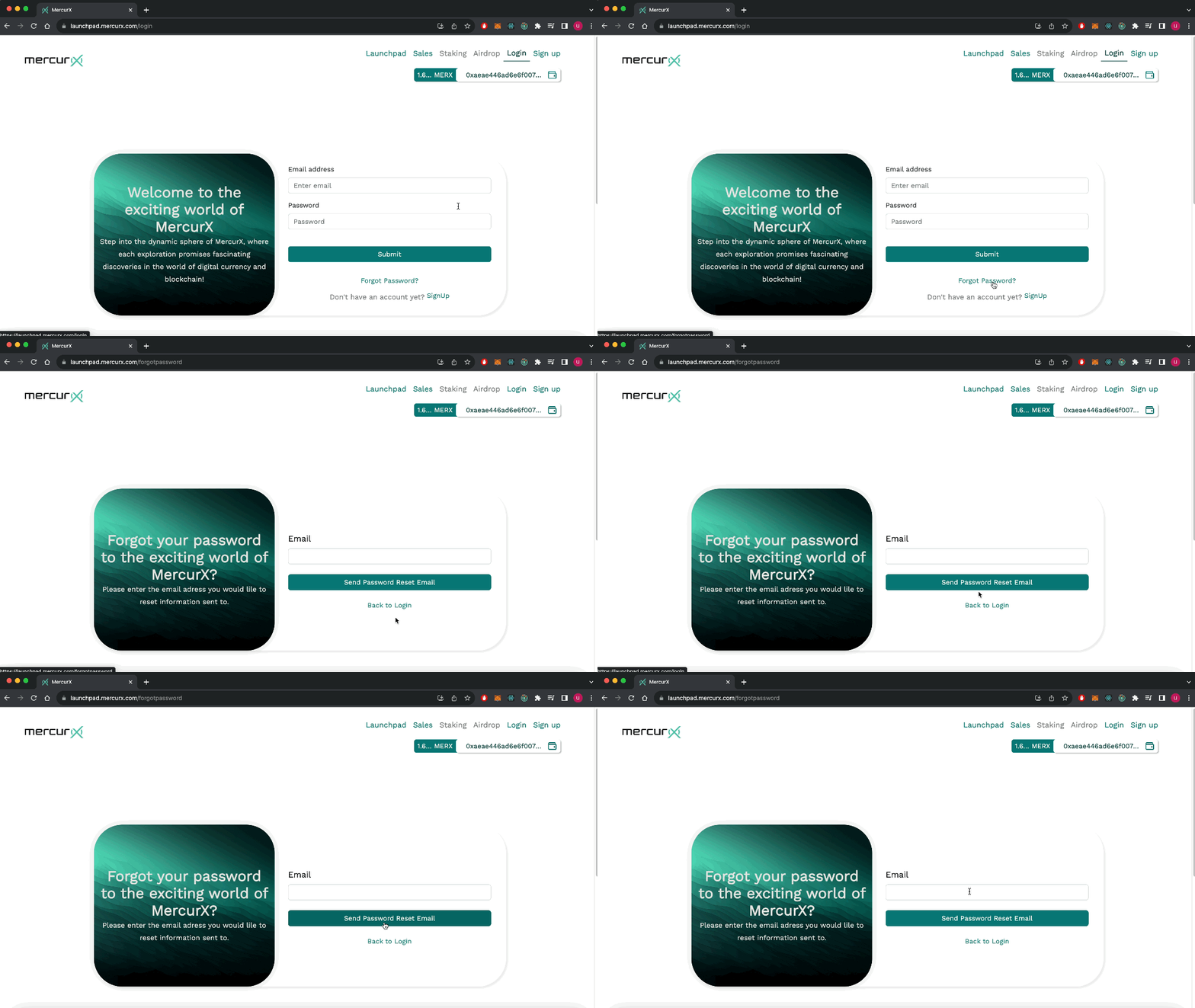
Resetting your password
Follow the steps below to reset your password:
- Click on “Forgot password” link on the login page.
- Type your email and click “Send Password Reset Email”.
- Go to your email address and click on the "Reset Password" button in the email that has been sent to you.
- Enter your new password and click on the "Reset Password" button.